
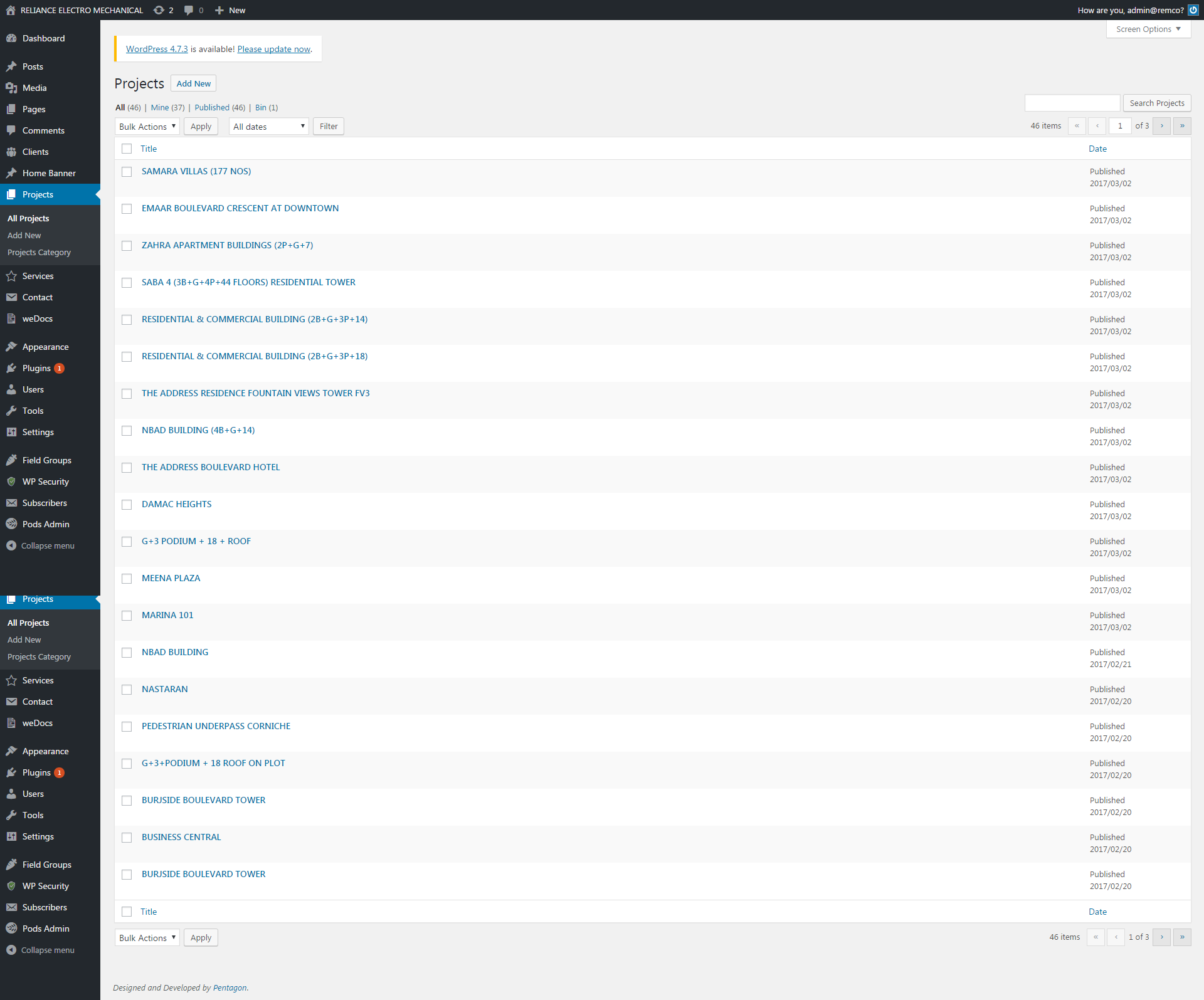
Admin can add, edit or delete Projects from here. All created Projects are listed here. The Projects can edit through Edit link and remove through Trash link.
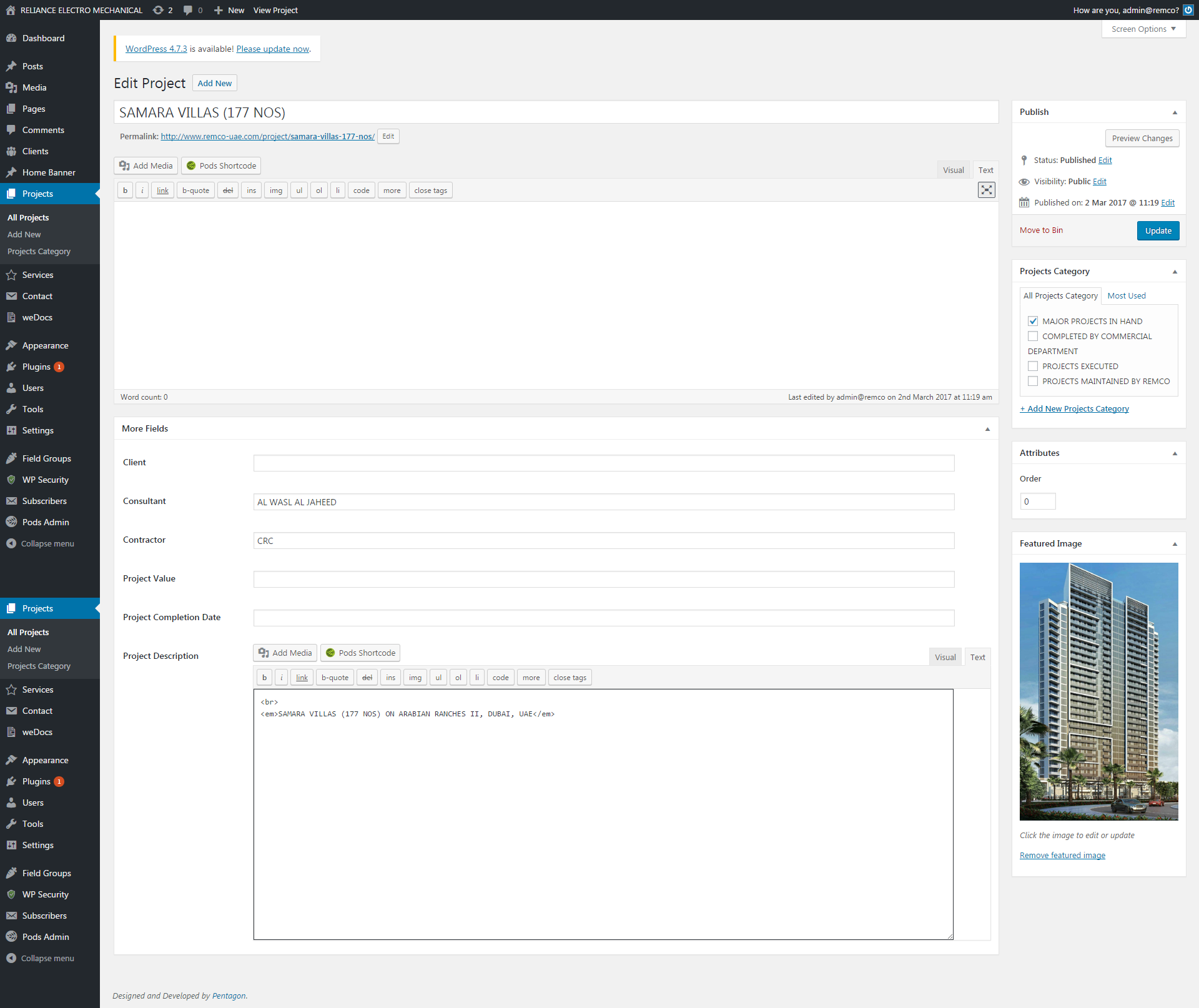
It contains the following custom field.
- Client
- Consultant
- Contractor
- Project Value
- Project Completion Date
- Project Description
Clicking on Add New to add new Project. We can upload Project image directly by clicking on the Set Featured Image link.